
Freewheel 1.0Ships August 1, 2026

Trainer control.
Nominal.

A clean, focused control utility for your smart trainer. Pair the bike, ride your video, change targets when you want, look back at the summary. No plans, no coaching, no calendar.

See it in motion
For
iPhone · iPad · Watch
Pairs with
Any smart trainer
Heart rate
Strap or Apple Watch
Ships in
73d · 23h · 36m
9:41
KICKR
TICKR
POWER
0W
CADENCE
0RPM
HEART
72BPM
Z1
Z2
Z3
Z4
Z5
○ READY
SESSION TIMELINE
Press play to begin recording
CURRENT TARGET
150W
ELAPSED
00:00
9:41
KICKR
TICKR
POWER
0W
CADENCE
0RPM
HEART
72BPM
Z1
Z2
Z3
Z4
Z5
○ READY
SESSION TIMELINE
Press play to begin recording
CURRENT TARGET
150W
ELAPSED
00:00
Pair
Any smart trainer
Heart
Strap or Apple Watch
Video
Bring your own class
Live
Lock screen + Dynamic Island
Save
Apple Health, automatic
How it works

A control surface,
not a coach.

Most trainer apps want to teach you. Freewheel doesn't. The hero is the live number on screen. You bring the class video; we hand you the resistance knob.

01 / Pair

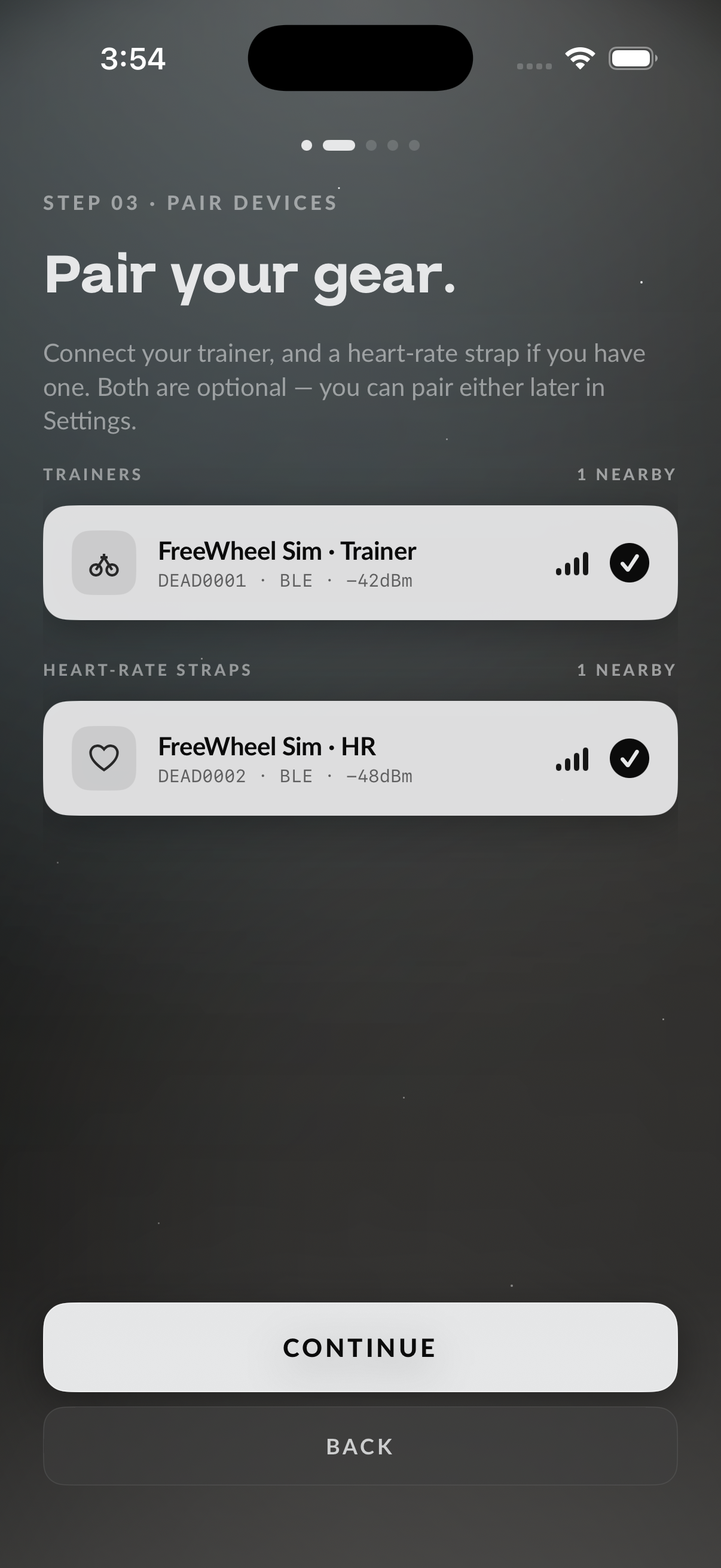
Your trainer, in one tap.

Works with any smart trainer that speaks the standard cycling protocol — Kickr, Neo, Suito, H3, and dozens more. Pair once. Freewheel reconnects on its own from then on.

02 / Ride

Six presets per mode.

ERG locks the watts. Resistance locks a percentage. Switch on the fly, tap a preset, or nudge by 5W. The trainer follows in well under a second. Your class keeps playing.

03 / Look back

A summary, then quiet.

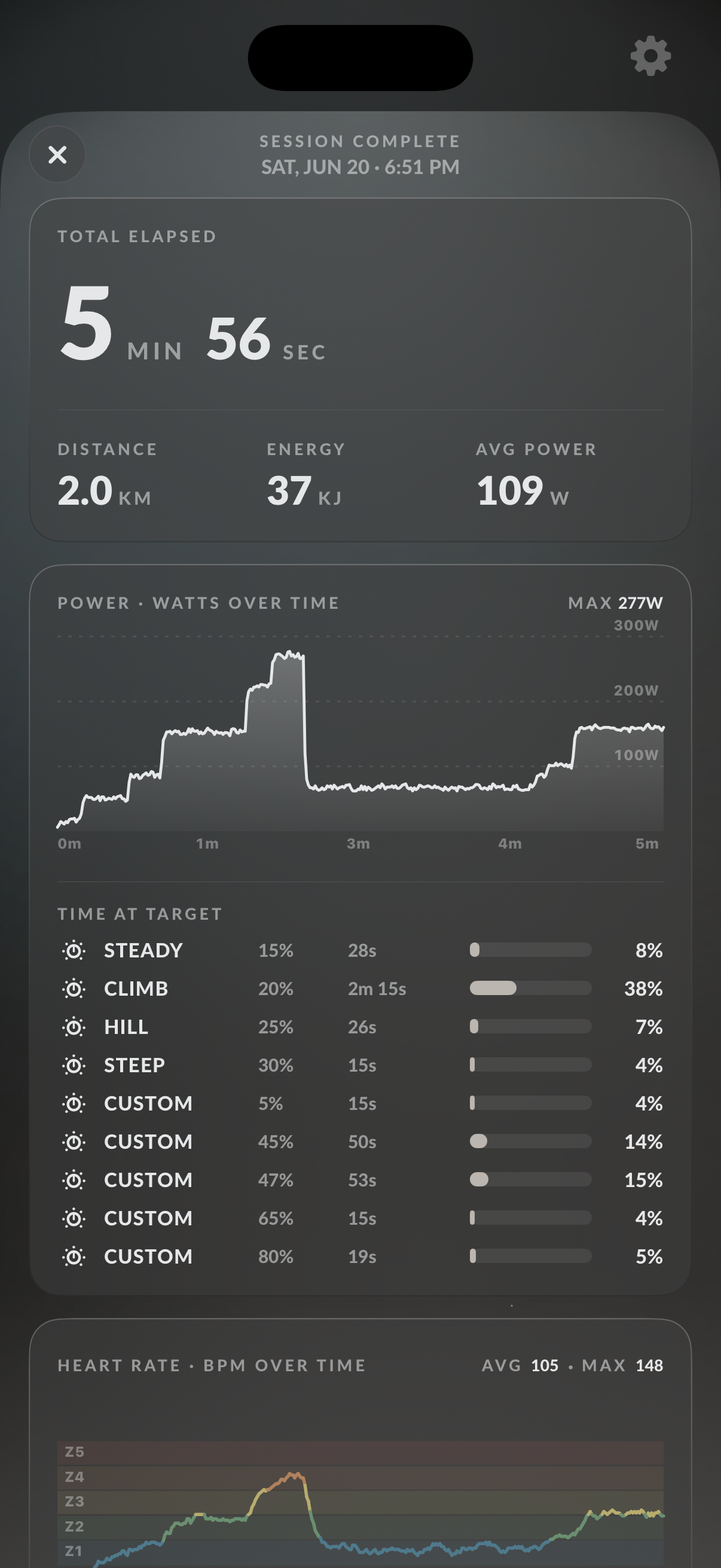
When you stop, you get duration, distance, power and heart-rate charts, zones, preset usage. Optional auto-save to Apple Health. No feed, no streak, no notification.

The ride screen

One screen.
Three ways to watch.

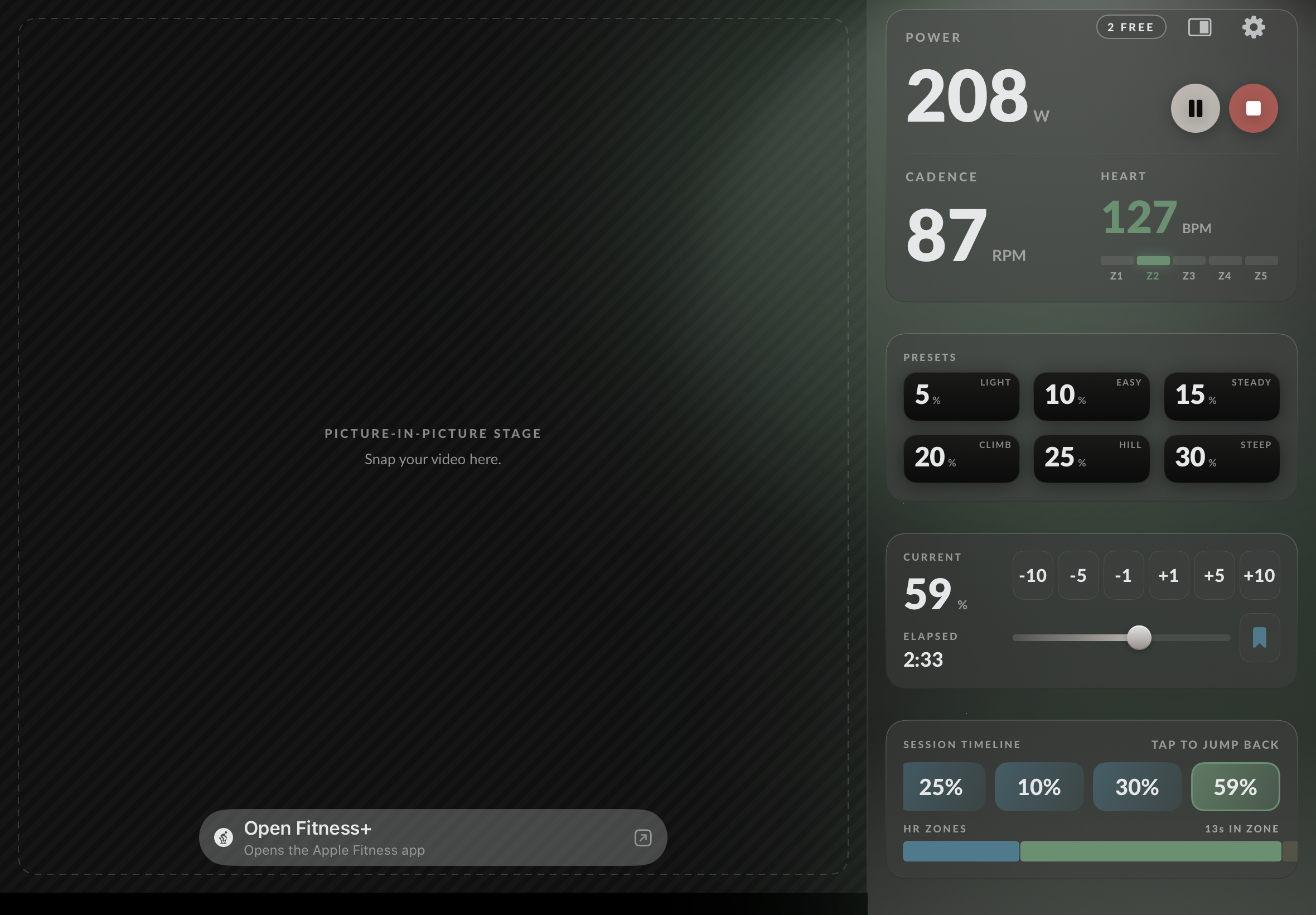
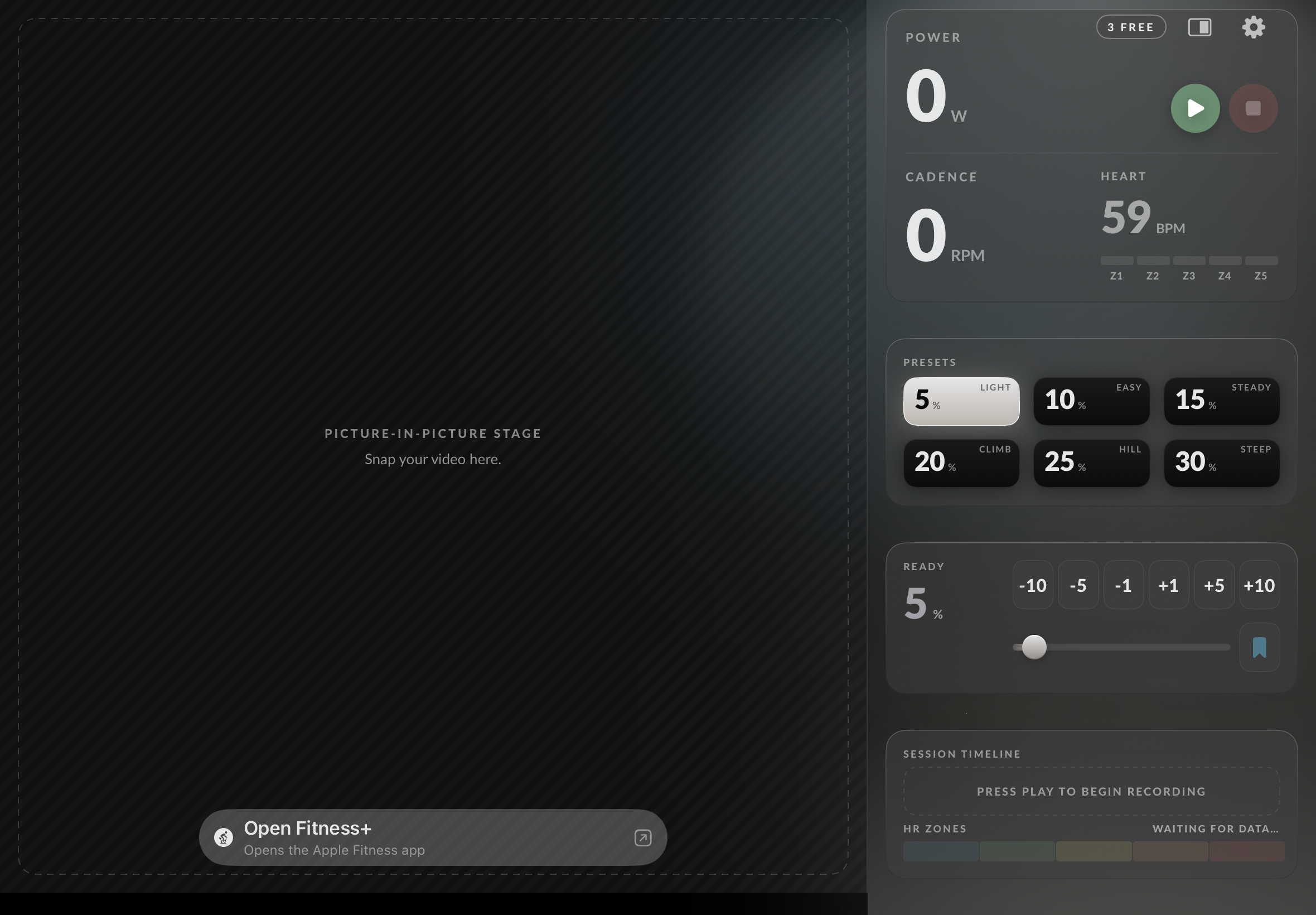
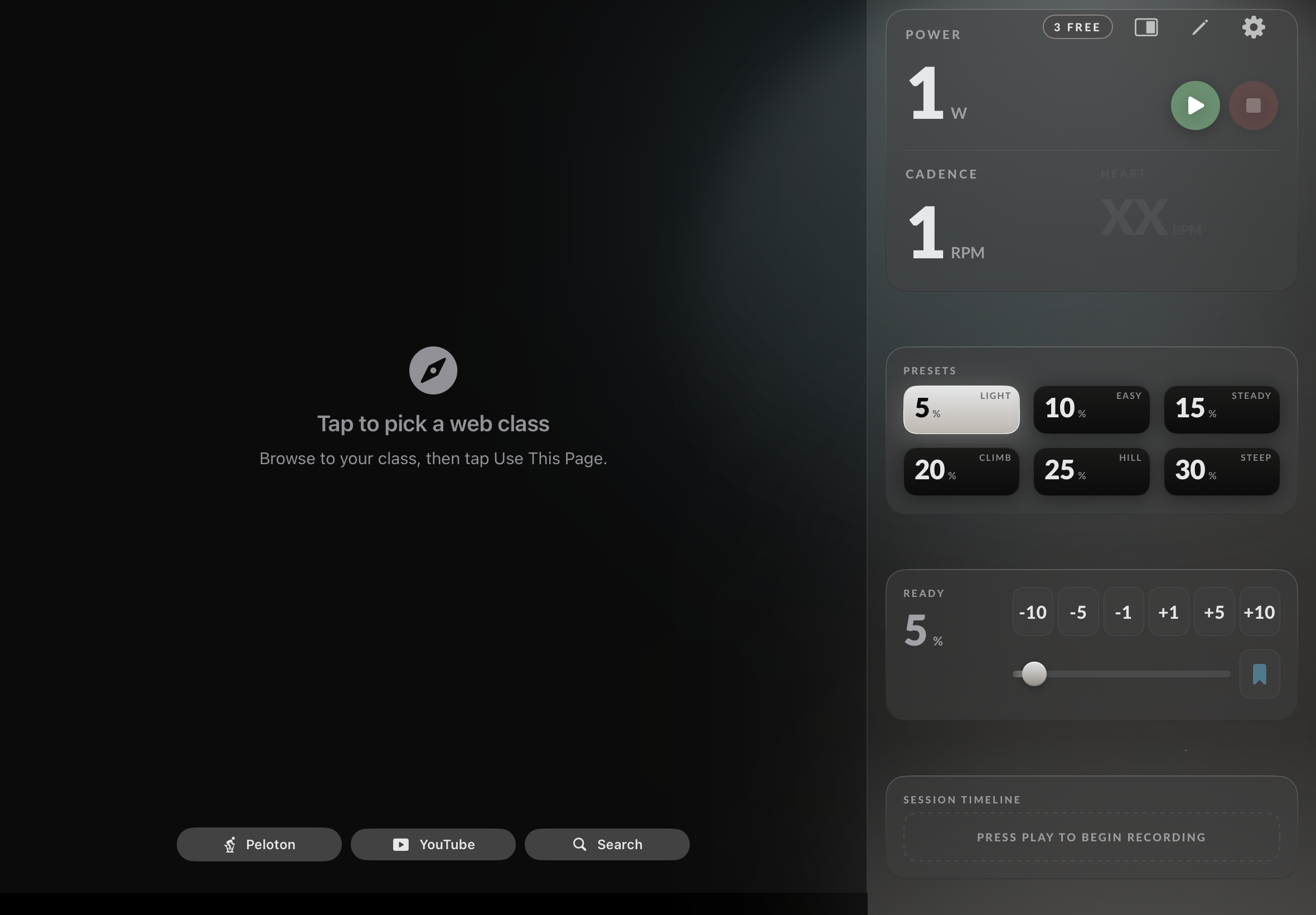
The same primary surface runs in three configurations depending on how you're watching the class. The mode toggle, presets, timeline, and controls stay constant. Only the top reshapes.

9:41
KICKR
TICKR
POWER
0W
CADENCE
0RPM
HEART
72BPM
Z1
Z2
Z3
Z4
Z5
○ READY
SESSION TIMELINE
Press play to begin recording
CURRENT TARGET
150W
ELAPSED
00:00
Mode A
Just the ride
Riding without a class? The big number takes over. Power in 60-point type. Cadence and heart rate sit underneath.
9:41
KICKR
TICKR
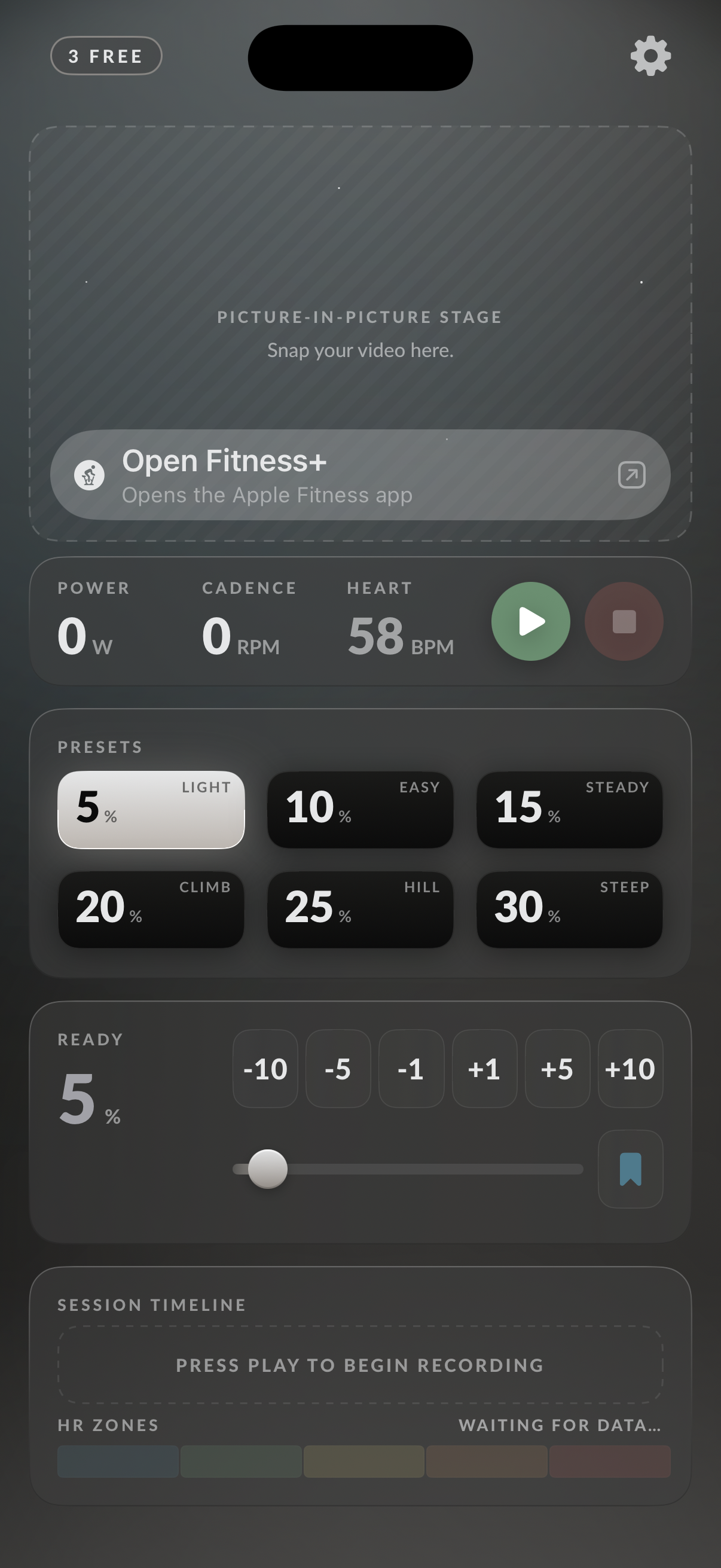
PICTURE-IN-PICTURE STAGE
Snap your video here.
POWER
0W
CADENCE
0RPM
HEART
72BPM
○ READY
SESSION TIMELINE
Press play to begin recording
CURRENT TARGET
150W
ELAPSED
00:00
Mode B
Pinned video
Already running a class in Picture-in-Picture from Safari or YouTube? Freewheel reserves the spot so your video parks cleanly.
9:41
KICKR
TICKR
● LIVE · 3,142 RIDING
POWER ZONE · 45 MIN
RIDE WITH OLIVIA
POWER
0W
CADENCE
0RPM
HEART
72BPM
○ READY
SESSION TIMELINE
Press play to begin recording
CURRENT TARGET
150W
ELAPSED
00:00
Mode C
Class in-app
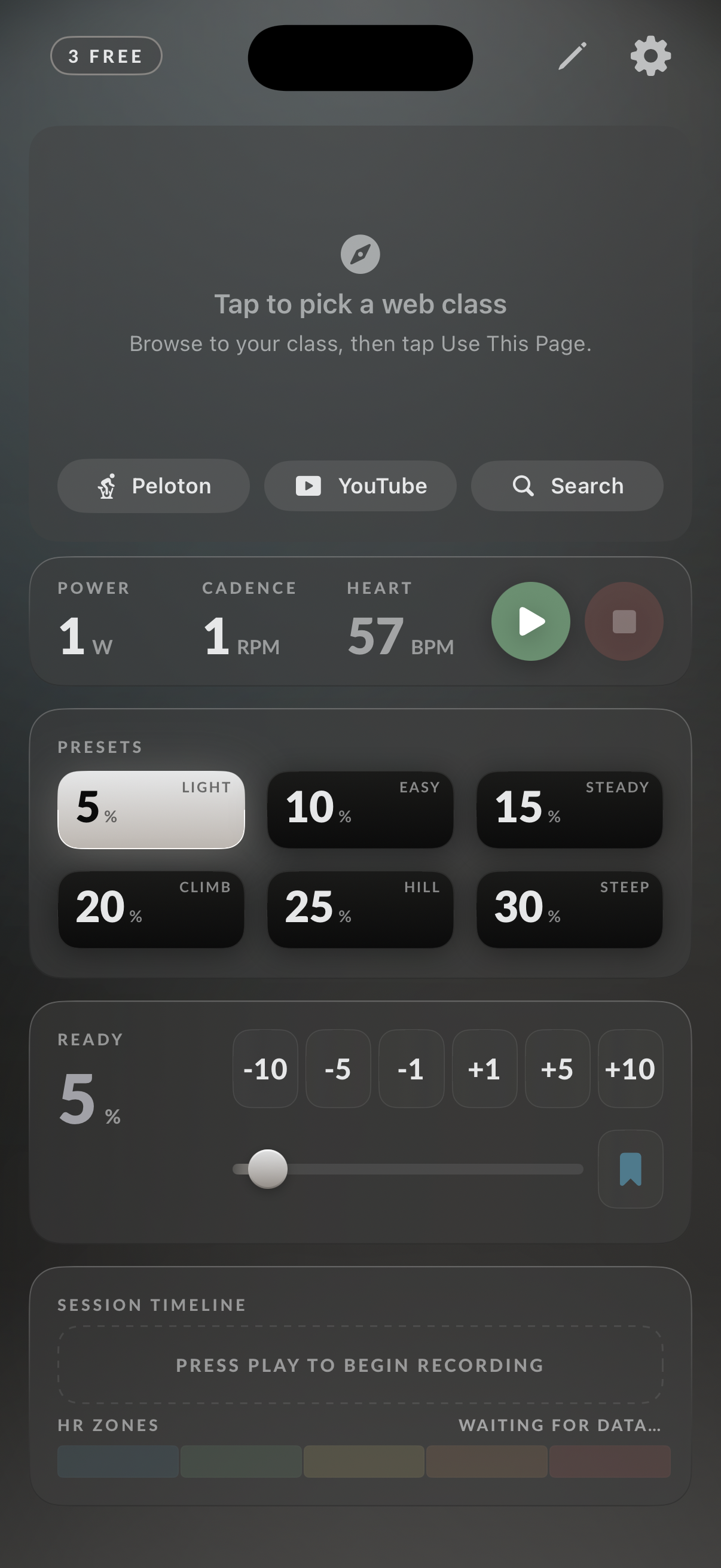
Want it all in one place? Open your class URL inside Freewheel. Tap to go full-screen, tap back — your video keeps playing.
What's inside

Pair the bike.
Pair the strap. Or the Watch.

Pairing

One bike.
One heart.
Reconnected.

Freewheel pairs your trainer and your heart-rate source independently — drop one, the other keeps recording. Next time you open the app, both reconnect on their own. No hunting through menus.

  • TrainerAny smart trainer
  • HeartBluetooth chest strap
  • OrApple Watch as the heart source
  • On launchBoth reconnect automatically
9:41
STEP 03 · PRIMARY TRAINER
Pick your trainer.
The first device you select becomes the primary power source. You can change it later in Settings.
DETECTED · 4 NEARBY
SCANNING
The summary

Stop. Look. Move on.

Every ride lands on a summary: duration, distance, energy burned, average and max power, average and max heart rate. Two clean line charts. Zone breakdown. Time spent at each preset. Save it to Apple Health or discard.

  • ChartsPower and heart rate
  • ZonesTime spent in each HR zone
  • PresetsTime spent at each target
  • SaveApple Health (optional · automatic)
9:41
SESSION COMPLETE
TUE, MAY 19 · 09:41
TOTAL ELAPSED
44MIN54SEC
DISTANCE
26.1KM
ENERGY
544kJ
AVG POWER
202W
POWER · WATTS OVER TIME
MAX 338W
100W150W200W250W300W350W0m11m22m34m45m
TIME AT PRESET
ERG · RES
Recovery100W
12%
Endurance150W
19%
Tempo200W
17%
Threshold250W
14%
Cruise30%
10%
Climb55%
12%
Surge75%
10%
Wall90%
7%
HEART RATE · BPM OVER TIME
AVG 134 · MAX 165
Z1Z2Z3Z4Z50m11m22m34m45m
TIME IN ZONE
Z1 · Recovery12%5m
Z2 · Endurance32%14m
Z3 · Tempo41%18m
Z4 · Threshold16%7m
Z5 · VO2 Max0%0m
The history

A log, not a feed.

Sessions group by recency — Today, This Week, Earlier. Each row carries an auto-named title from the work you actually did. Tap any row to reopen the full summary. No streaks, no leaderboard, no nudge to share.

  • GroupedToday · This Week · Earlier
  • NamedAuto-named from your preset usage
  • StoredOn-device, not in the cloud
  • ExportsApple Health
9:41
SETTINGS · HISTORY
SYNCED · 09:41
WORKOUT
HISTORY
SESSIONS
7
HOURS
6.3h
DISTANCE
165km
ENERGY
4.2MJ
TODAY
THIS WEEK
EARLIER
Inside the app

Quiet on the surface.
Considered underneath.

Auto-pause

Stop pedaling, the trainer stands down.

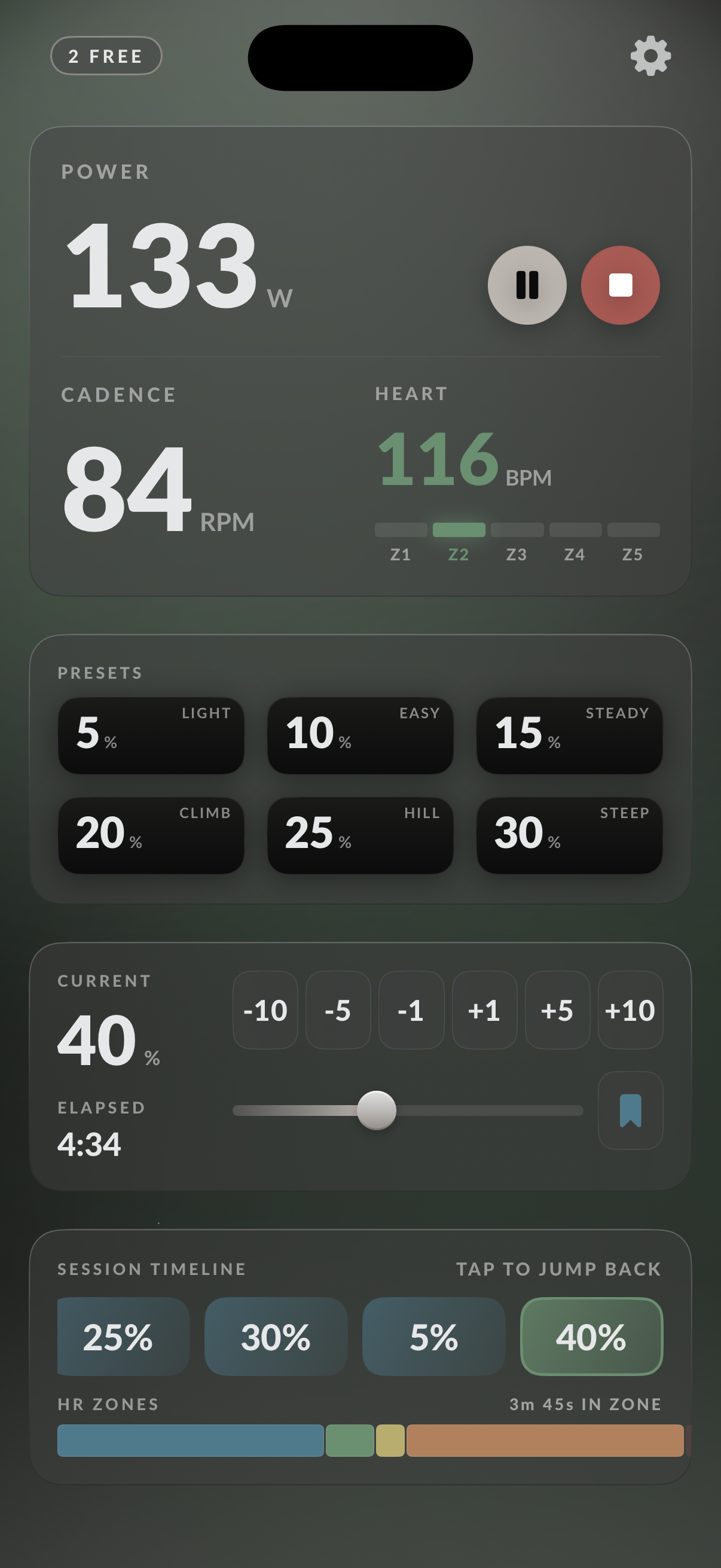
Coast for a few seconds and Freewheel drops the trainer to a manageable level. Start pedaling again and your target snaps right back. Threshold and timing are yours to set.

Live Activity

Your ride, on the lock screen.

While you're riding, Freewheel posts a Live Activity with the timer, your current target, and your last few changes. Dynamic Island shows your power at a glance. Play / pause from the lock screen.

Apple Watch

Heart rate from your wrist.

Don't own a chest strap? The Watch companion runs a workout session and streams your heart rate to the phone. Same numbers, same charts, no extra gear.

Six per mode

Presets you actually use.

Six presets in ERG, six in Resistance — each editable, each one tap away. Defaults that make sense out of the box: Recovery, Endurance, Tempo, Threshold, VO₂, Max.

Timeline

Every target change, recorded.

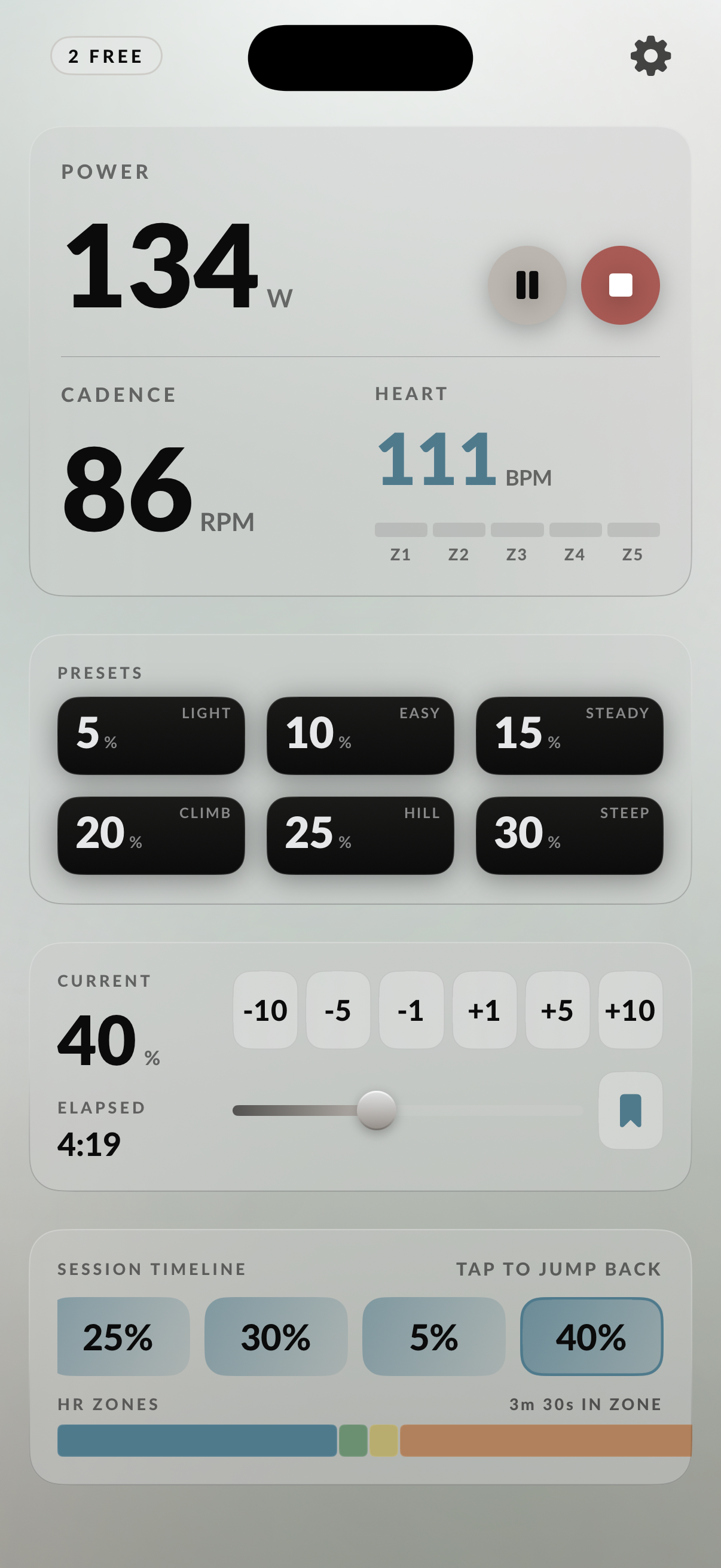
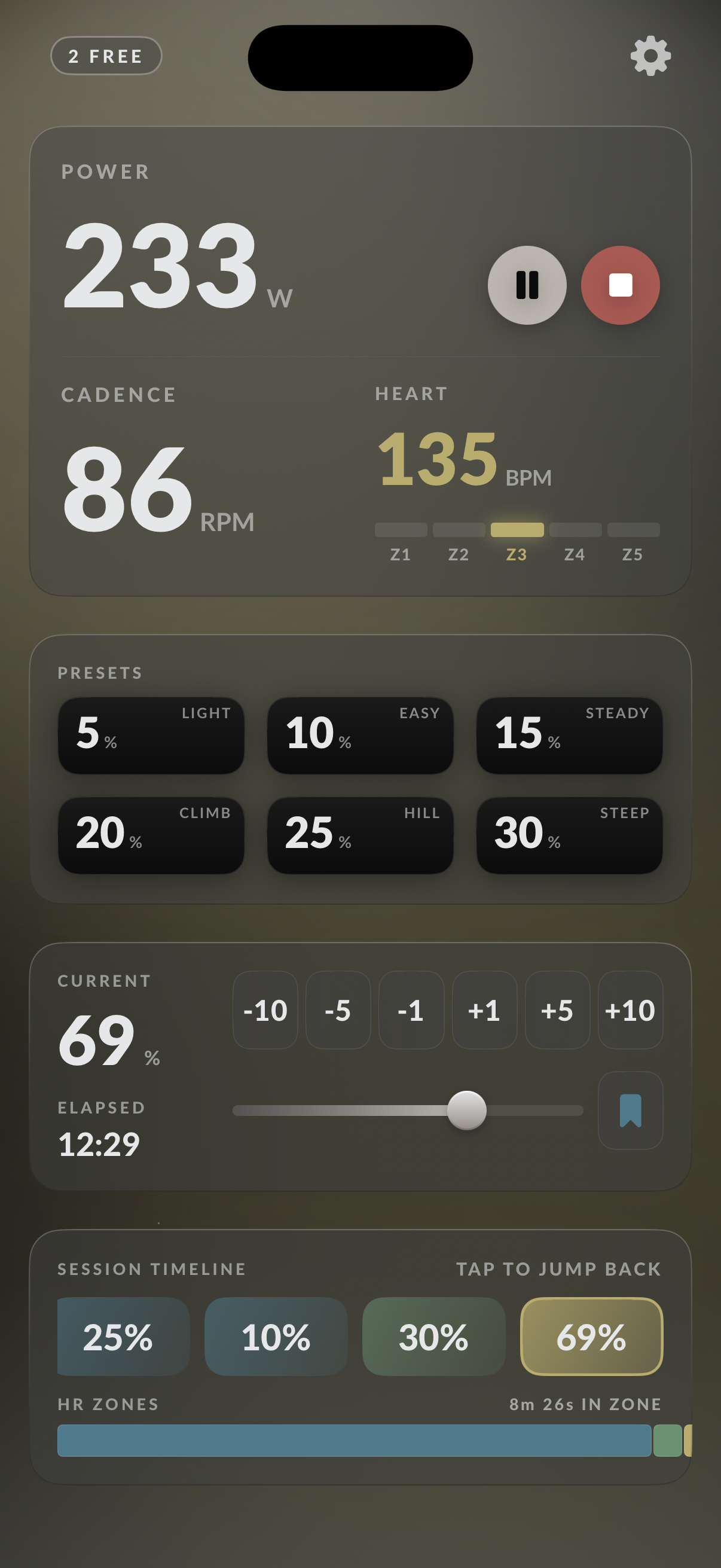
A horizontal scroll of every preset, nudge, and inline edit you made — with the time you held each one. Tap a past pill to jump back to it.

Liquid Glass

Built for iOS 26.

Native materials. Native fonts. The aerospace backdrop sits behind the glass so the chrome glints when you scroll. No web wrapper, no electron, no compromises.

Scope

One thousand no's
for every yes.

Most cycling apps grow features until they collapse into a dashboard. Freewheel keeps the surface area small — every addition is fought for. Here's what's in, and what we said no to.

In · shipping

What Freewheel does

  • Any smart-trainer pairing
  • Bluetooth heart-rate strap
  • Apple Watch as a heart-rate source
  • Six presets per mode, editable
  • Live timeline of every change
  • Auto-pause when you stop pedaling
  • Lock-screen Live Activity
  • Picture-in-Picture for class video
  • Apple Health auto-save
  • Workout history, on-device
  • Guided pairing on first launch
  • Dark and light, your call
Out · not happening

What it doesn't

  • Structured workout plans
  • Interval programmer
  • Cadence or HR target coaching
  • Strava and TrainingPeaks upload
  • Cloud sync · accounts · social
  • Multi-user profiles
  • Apple TV second-screen
  • Home-screen widget
  • Notifications of any kind
  • FTP estimation
  • Vendor-specific shortcuts
  • A separate cadence sensor
Ships August 1, 2026 · 30 TestFlight seats

Pair.
Ride.

Freewheel 1.0 ships August 1. We're seating a small group of riders into TestFlight ahead of that — bring any smart trainer, any class video, any iPhone running iOS 26. Your seat opens the moment we confirm.

How it works